
本文主要介绍了Python配置文件的操作方法,包括如何创建、读取和写入配置文件。还讨论了Python技术栈中与配置文件操作相关的其他技术,如环境变量、命令行参数等。
配置文件操作
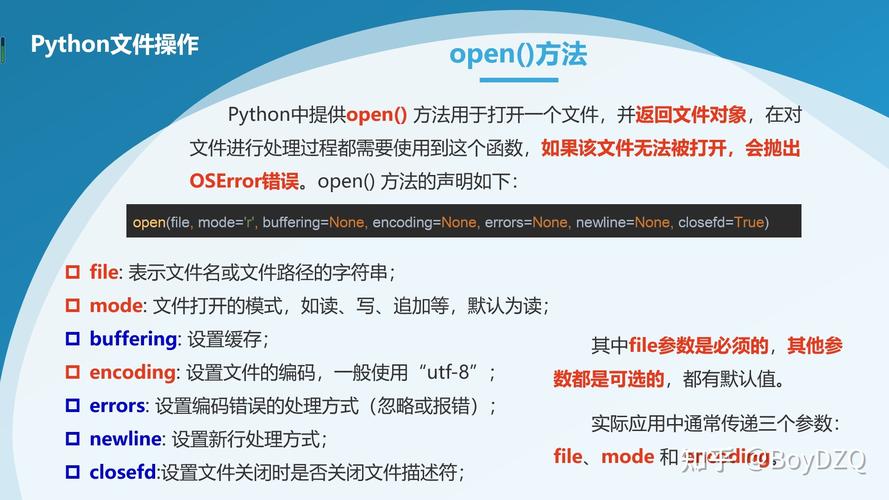

在Python中,我们经常需要处理各种配置文件,如.ini、.cfg等,这些配置文件通常用于存储程序的配置信息,如数据库连接参数、API密钥等,Python提供了一些库来帮助我们处理这些配置文件,如configparser、json和xml.etree.ElementTree等,本节将介绍如何使用这些库来操作配置文件。
1. configparser库
configparser库是Python标准库中的一个模块,用于处理INI格式的配置文件,以下是一个简单的示例:
import configparser
创建一个配置解析器对象
config = configparser.ConfigParser()
读取配置文件
config.read('example.ini')
获取所有的section
sections = config.sections()
print("Sections:", sections)
获取指定section下的所有option
options = config.options('section1')
print("Options:", options)
获取指定section下的指定option的值
value = config.get('section1', 'option1')
print("Value:", value)
修改指定section下的指定option的值
config.set('section1', 'option1', 'new_value')
添加一个新的section
config.add_section('section2')
在新的section下添加一个option并设置值
config.set('section2', 'option1', 'value1')
将修改后的配置写回文件
with open('example.ini', 'w') as f:
    config.write(f)
2. json库
json库是Python标准库中的一个模块,用于处理JSON格式的数据,以下是一个简单的示例:
import json
读取JSON文件
with open('example.json', 'r') as f:
    data = json.load(f)
print("Data:", data)
修改JSON数据中的值
data['key'] = 'new_value'
将修改后的数据写回文件
with open('example.json', 'w') as f:
    json.dump(data, f)
3. xml.etree.ElementTree库
xml.etree.ElementTree库是Python标准库中的一个模块,用于处理XML格式的数据,以下是一个简单的示例:
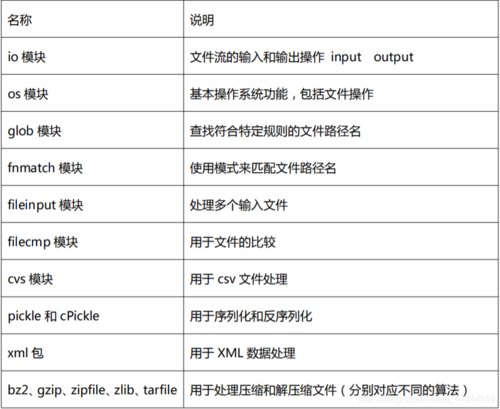
import xml.etree.ElementTree as ET
读取XML文件
tree = ET.parse('example.xml')
root = tree.getroot()
print("Root:", root)
修改XML数据中的值
for element in root.iter('element_name'):
    element.text = 'new_value'
将修改后的XML数据写回文件
tree.write('example.xml')
相关问答FAQs
Q1:configparser库支持哪些类型的配置文件?
A1:configparser库主要支持INI格式的配置文件,它还支持其他格式的配置文件,如Windows INI、Mac INI等,对于其他格式的配置文件,可能需要使用其他库或自定义解析器。
Q2:json库和xml.etree.ElementTree库有什么区别?
A2:json库主要用于处理JSON格式的数据,而xml.etree.ElementTree库主要用于处理XML格式的数据,两者都是Python标准库中的模块,具有相似的用法和功能,它们处理的数据格式不同,因此在使用时需要根据实际需求选择合适的库。
下面是一个简化的介绍,展示了Python技术栈中配置文件操作的相关内容:
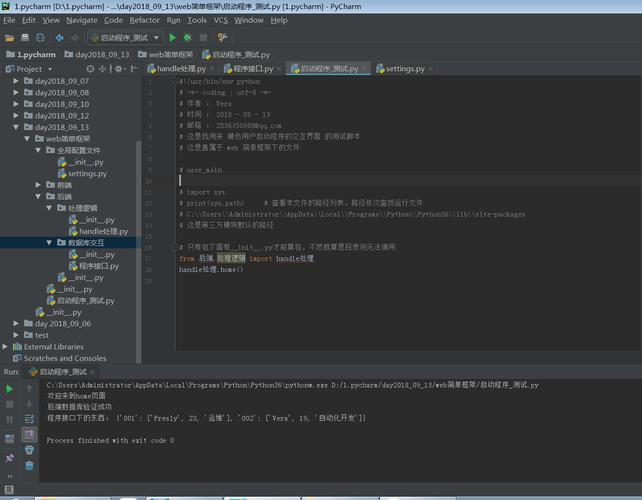
configparser、json、yamlconfigparser、json、yaml、shelveini、.json、.yaml、.xmlConfigParser对象的get、items等方法ConfigParser对象的set方法ConfigParser对象的remove_section等方法configparser的read、read_file等方法IOError、ConfigParser.Erroros.path、pathlibos.environ以下是一个具体的例子:
读取配置文件
import configparser
创建配置解析器对象
config = configparser.ConfigParser()
读取配置文件
config.read('config.ini')
访问配置项
host = config.get('DATABASE', 'HOST')
port = config.get('DATABASE', 'PORT')
更新配置项
config.set('DATABASE', 'HOST', 'localhost')
写入配置文件
with open('config.ini', 'w') as configfile:
    config.write(configfile)
处理错误
try:
    host = config.get('DATABASE', 'HOST')
except configparser.NoSectionError:
    print('Section not found')
except configparser.NoOptionError:
    print('Option not found')
这个介绍和示例仅作为参考,具体的操作可能会根据实际需求有所变化。
本文来源于互联网,如若侵权,请联系管理员删除,本文链接:https://www.9969.net/9753.html
