
CSS3过渡触发方式
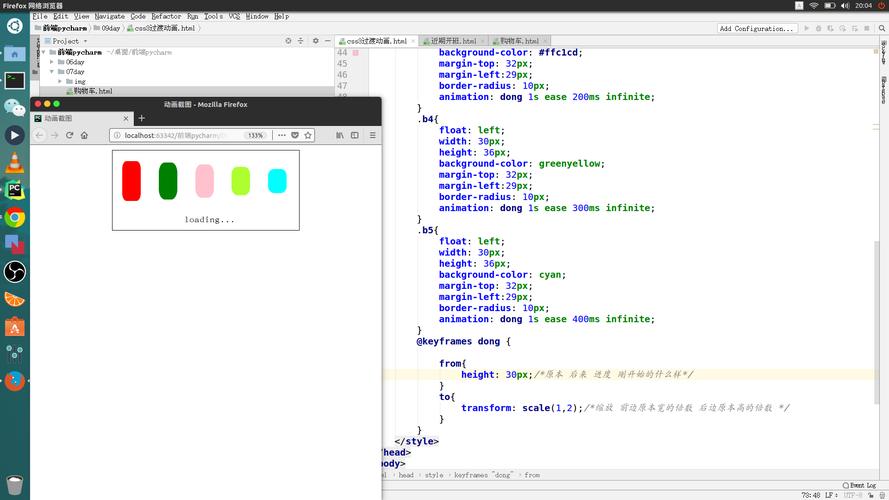

CSS3过渡(Transitions)是一种在CSS中创建动画效果的方式,它可以使元素的属性值在一定时间内平滑地从一个值过渡到另一个值,过渡可以通过多种方式触发,以下是CSS3过渡的触发方式:
1. 鼠标事件触发
通过鼠标事件,如点击、悬停等,可以触发CSS3过渡,当鼠标悬停在元素上时,改变元素的背景颜色。
<!DOCTYPE html>
<html>
<head>
<style>
  .box {
    width: 100px;
    height: 100px;
    backgroundcolor: red;
    transition: backgroundcolor 1s;
  }
  .box:hover {
    backgroundcolor: blue;
  }
</style>
</head>
<body>
  <div class="box"></div>
</body>
</html>
2. 焦点事件触发
当元素获得或失去焦点时,可以触发CSS3过渡,当输入框获得焦点时,改变其边框颜色。
<!DOCTYPE html>
<html>
<head>
<style>
  input {
    border: 1px solid black;
    transition: bordercolor 1s;
  }
  input:focus {
    bordercolor: blue;
  }
</style>
</head>
<body>
  <input type="text">
</body>
</html>
3. 媒体查询触发
通过媒体查询(Media Queries),可以根据设备的特性(如屏幕宽度、分辨率等)触发CSS3过渡,当屏幕宽度小于600px时,改变元素的透明度。
<!DOCTYPE html>
<html>
<head>
<style>
  @media (maxwidth: 600px) {
    .box {
      opacity: 0.5;
      transition: opacity 1s;
    }
  }
</style>
</head>
<body>
  <div class="box">这是一个方块</div>
</body>
</html>
4. JavaScript触发
通过JavaScript,可以为元素添加或删除类名,从而触发CSS3过渡,当点击按钮时,改变元素的背景颜色。
<!DOCTYPE html>
<html>
<head>
<style>
  .box {
    width: 100px;
    height: 100px;
    backgroundcolor: red;
    transition: backgroundcolor 1s;
  }
  .blue {
    backgroundcolor: blue;
  }
</style>
<script>
  function changeColor() {
    var box = document.querySelector('.box');
    box.classList.toggle('blue');
  }
</script>
</head>
<body>
  <div class="box"></div>
  <button onclick="changeColor()">点击改变颜色</button>
</body>
</html>
以上就是CSS3过渡的四种触发方式,可以根据实际需求选择合适的方式来实现动画效果。
本文来源于互联网,如若侵权,请联系管理员删除,本文链接:https://www.9969.net/2618.html
